Control4 dealer training

Program Control4 like a senior tech.

A hands-on course built around a Composer-style simulator and a full house to automate. You don't watch someone else click. You build, break and fix it yourself.

77 interactive lessons10 modulesComposer-style simulatorNarratedCapstone projects
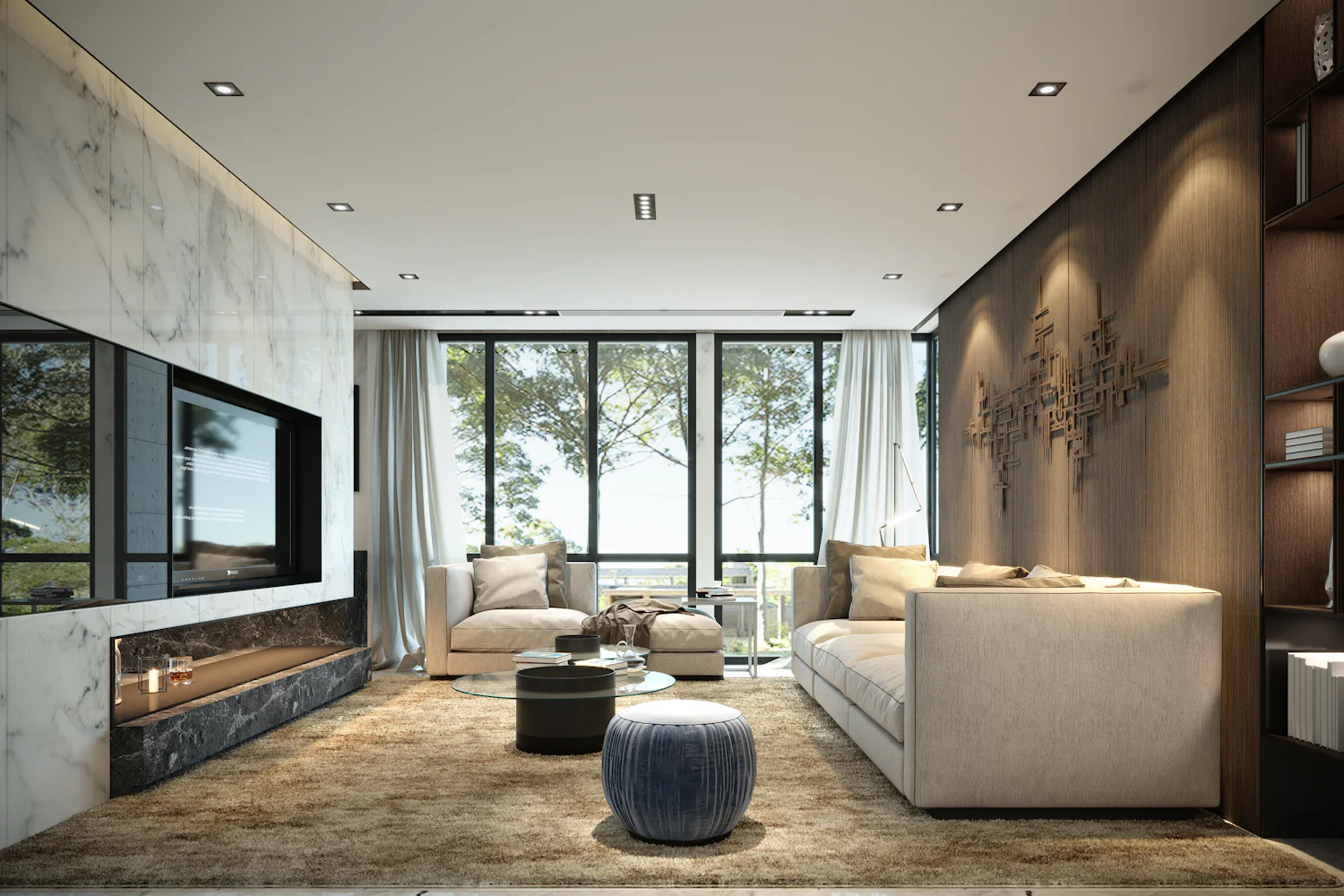
The Skynet Residence living room, the house every lab is built on
How you learn

Every lesson is a lab.

A real project to work on

The Skynet Residence: rooms, lights, keypads, AV, locks, climate and shades. You identify devices, connect them and program the whole house.

Composer, the way you use it

System Design, Connections, Agents and Programming, with events, conditionals, loops, variables and a trace log that shows exactly what your script did.

The house reacts

Press a keypad, open a door or move the clock to sunset. Lights ramp, LEDs change and scripts fire, so you see cause and effect.

Lighting in depth

Keypad dimmers, configurable keypads, adaptive and forward phase dimmers, with their properties, button links, LEDs and device variables.

Service skills

Networks, Zigbee meshes, OS upgrades, controller migration and a diagnostic method for the calls that pay the bills.

Work at your pace

Guided, hinted or on your own. Your progress and your simulator project are saved to your account, on any computer.
Curriculum

Ten modules, beginner to expert.

01
The Control4 Platform

How a system thinks, what the products are, what X4 changed, and a tour of Composer Pro.

Free
02
The Network Under Control4

Addressing, switching, Wi-Fi, the rack, and how to find a fault fast.

10 lessons
03
Wireless and Zigbee

Radios, the mesh, and building one that stays up.

5 lessons
04
Building the Project

From an empty project to a verified, connected house.

9 lessons
05
Programming Logic

The Composer programming engine, from first event to state machines.

10 lessons
06
Agents and Automation

Built-in agents, X4 Routines and the homeowner's side of automation.

9 lessons
07
Integrations

Playbooks for the third-party gear on every job.

7 lessons
08
Expert Service

Diagnose, upgrade, migrate and maintain like a senior tech.

5 lessons
09
Business and Handoff

Deliver, document, and keep the customer.

3 lessons
10
Advanced Programming

Expert Composer programming, from how the engine runs to whole-house architecture.

14 lessons
Full course

Choose how you pay

Module 1 is free with an account. No card needed.

Questions

FAQ

Who is this for?

New and working Control4 dealers, installers and programmers. Module 1 starts from the basics; the later modules reach expert programming and service.

Do I need Control4 hardware or Composer?

No. Every lab runs in your browser. If you have Composer Pro and a test system, you can repeat the labs on real gear.

Is this an official Control4 course?

No. It is independent training, not affiliated with or endorsed by Control4 or Snap One. Product names belong to their owners.

What computer do I need?

A laptop or desktop with a current Chrome, Edge, Safari or Firefox. The simulator is built for a keyboard and mouse.

How do I get access after paying?

Sign in with the same email you pay with. Your account unlocks every module as soon as the payment goes through.